
See it in your own room.
Explore flooring finishes in realistic demo rooms, compare different looks and discover the right style before you buy. Try our interactive room visualizer in just a few clicks.

Find your floor in four easy steps
Your flooring journey, from selecting a product to seeing its finish inside a beautiful demo room.
Open Live Demo
Click any See Live Demo button to launch the full-screen visualizer.
Choose Flooring
Explore available flooring products, material patterns and shades.
Visualize & Compare
Apply flooring in demo rooms and check the before-and-after result.
Save Your Design
Download your room preview and explore the flooring product.
Popular flooring finishes to try
Preview real enabled WooCommerce products when available, or browse the six starter demonstration materials supplied with your visualizer.
Discover our demo rooms
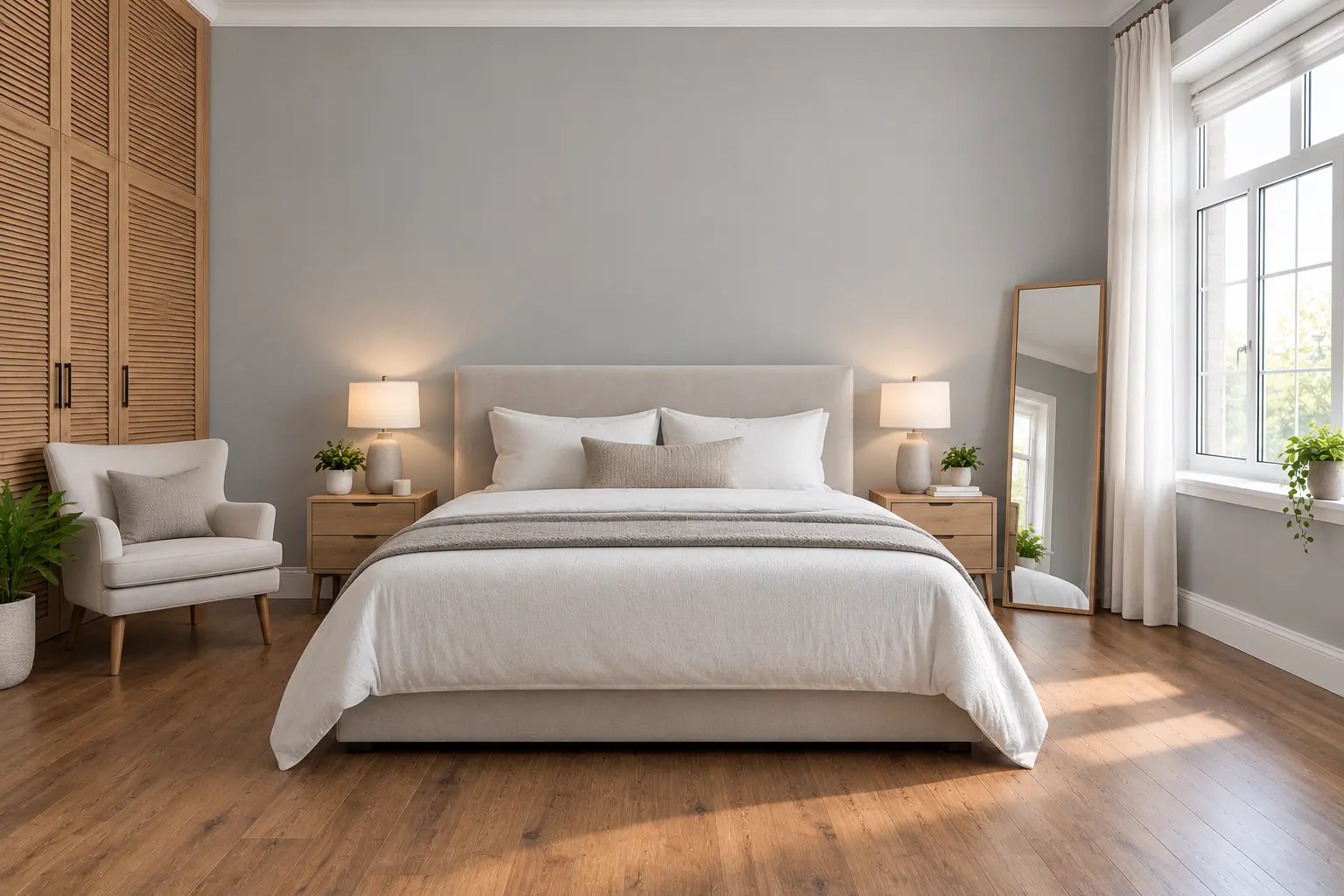
Six furnished room scenes from your plugin are ready to explore inside the live visualizer. Choose the room within the popup.


Feel confident in every flooring choice
Explore colours, realistic product textures and sample spaces before deciding on your next floor.
Realistic room scenes
See flooring finishes across beautiful furnished rooms.
Multiple materials
Compare wood, LVT, laminate, carpets and more.
Before & after
Use the comparison tool to inspect your selected finish.
Save your inspiration
Download an image of your flooring design to refer to later.
Ready to see it in your room?
Explore finishes in our interactive live room demo and find the flooring style for you.